








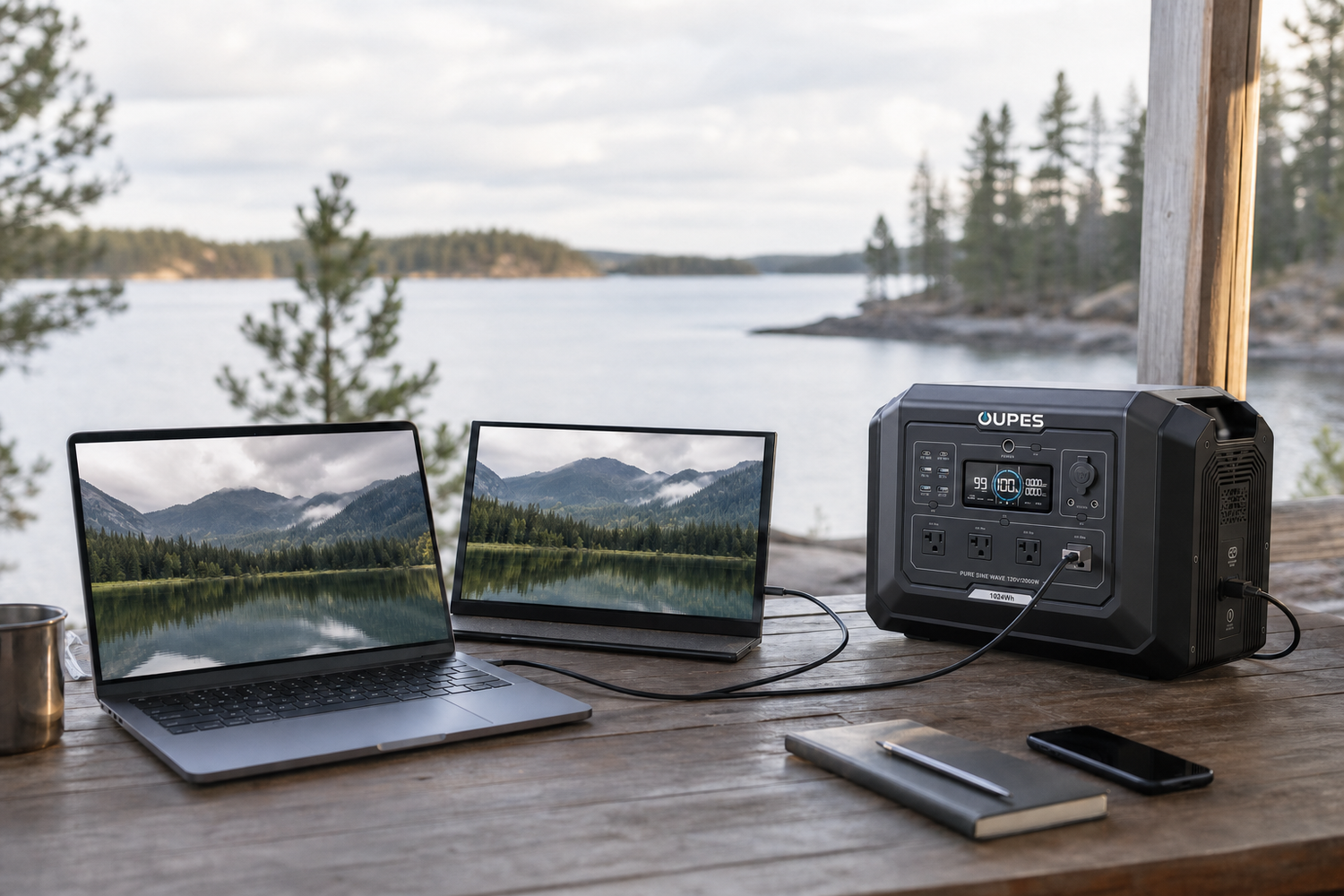
Many laptops average roughly 20-100W in ordinary use, while gaming or workstation models can draw much more. The charger label is a maximum capability, not a constant load. Measure the laptop during your real workload and include monitors, docks and network equipment.
This guide answers the practical question behind how many watts does a laptop computer use and then turns it into a safe sizing method. The calculations are estimates, not guarantees. Actual results depend on device cycling, motor startup, temperature, battery age, conversion loss, power factor, cable condition, charging taper, sunlight and user behaviour.
Quick Answer
Many laptops average roughly 20-100W in ordinary use, while gaming or workstation models can draw much more. The charger label is a maximum capability, not a constant load. Measure the laptop during your real workload and include monitors, docks and network equipment.
Start with measured demand rather than a headline specification. Continuous watts determine whether equipment can stay on; surge watts cover short startup events; watt-hours determine duration. Voltage, connector type, grounding and port-specific limits can make an otherwise adequate wattage incompatible.
Ratings and Measurements That Matter
For USB-C charging, confirm the laptop's required Power Delivery profile. A 100W USB-C port cannot fully support a laptop that requires a proprietary 180W adapter under heavy load.
Read the complete nameplate or manual. For a simple DC calculation, watts are approximately volts multiplied by amps. For energy, watt-hours equal average watts multiplied by hours. AC equipment can involve power factor and motor behaviour, so measured true power is preferable to multiplying volts and amps blindly.
A charger's printed wattage is usually a maximum, while an appliance heater may operate close to its rating. Compressors, pumps and motors can briefly demand several times their normal running input. A safe plan records both ordinary energy over time and the worst credible simultaneous event.
Practical Reference Table
These values are planning references. They do not replace the exact battery, appliance, vehicle, RV or electrical-system documentation.
| Item | Meaning or Planning Value | Why It Matters |
|---|---|---|
| Low setting or idle | Varies by model | Measure instead of assuming zero |
| Normal operation | Use the input label | Rated output is not electrical input |
| High-power mode | Often the design load | Other loads reduce headroom |
| Startup or heating event | Can exceed normal draw | Inverter surge and circuit rating matter |
Calculations and Worked Examples
Use the following sequence. First, calculate load energy: Wh = average watts x hours. Next, estimate rated battery need: required Wh = load Wh / usable-system factor. For illustration, this article uses 85% as a combined planning factor for conversion loss and reserve. It is not a guaranteed product efficiency.
| Example | Result | Interpretation |
|---|---|---|
| 100W for 8 hours | 800Wh | About 941Wh |
| 500W for 2 hours | 1,000Wh | About 1,176Wh |
| 1,200W for 30 minutes | 600Wh | About 706Wh |
| 300W cycling 50% for 10 hours | 1,500Wh | About 1,765Wh |
For cycling loads, measure an entire representative period. For high-power short loads, preserve the full watt requirement even when total Wh are modest. A 1,500W appliance used for 20 minutes consumes about 500Wh, but it still requires an inverter that can safely deliver the full 1,500W.
When solar is involved, a rough daily estimate is panel watts x equivalent full-sun hours x system factor. NREL's PVWatts illustrates why location, weather, temperature and system losses must be included. Canadian winter planning should not rely on a summer average.
Step-by-Step Sizing Method
- List essential loads. Separate safety, medical, communications and property-protection needs from optional comfort use.
- Record real ratings. Use labels, manuals, EnerGuide data and a suitable energy meter where practical.
- Calculate watt-hours. Multiply average watts by operating time and measure cycling appliances over a full cycle.
- Add simultaneous watts. Include only loads that can overlap, but test the worst realistic overlap.
- Check startup and voltage. Confirm motor surge, waveform and every 120V, 240V or regulated DC requirement.
- Choose recharge routes. Compare AC, vehicle and solar input with the energy that must be restored.
- Add reserve. Allow for cold, heat, aging, poor sun, longer outages and an extra user or device.
Scenario Planning
| Scenario | Practical Starting Point | Main Limitation |
|---|---|---|
| Office laptop | 30-65W planning range | Screen brightness matters |
| Gaming laptop | 100-250W or more | Battery may still discharge under a small charger |
| Remote work kit | Add monitor and router | Direct USB-C improves efficiency |
| Multi-day trip | Budget Wh per workday | Solar recovery may be incomplete |
The most portable system is not always the most resilient, and the largest battery is not always the best value. A good plan is easy to operate, fits the transport or installation space, can be recharged before the next use period and leaves a protected reserve for the highest-priority load.
OUPES Product Options
The following specifications were checked against the OUPES Canadian product pages during drafting. Prices, bundles and stock can change, so verify the live page before publication. Product selection must follow the measured load; it should not be forced into a topic where the voltage or output is unsuitable.
| Model | Capacity / Expansion | AC Output | Solar Input | Cycle Rating | Best-Fit Role |
|---|---|---|---|---|---|
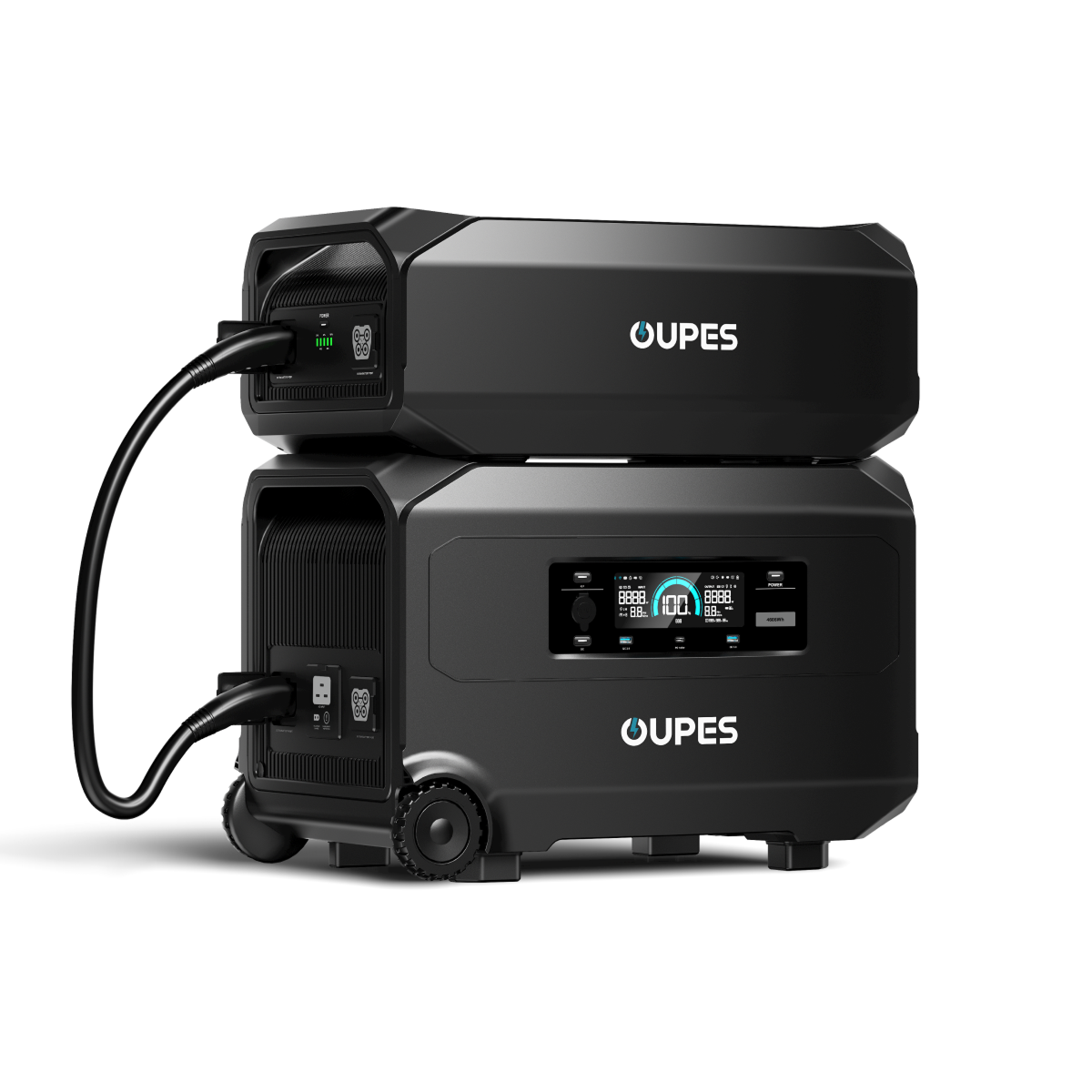
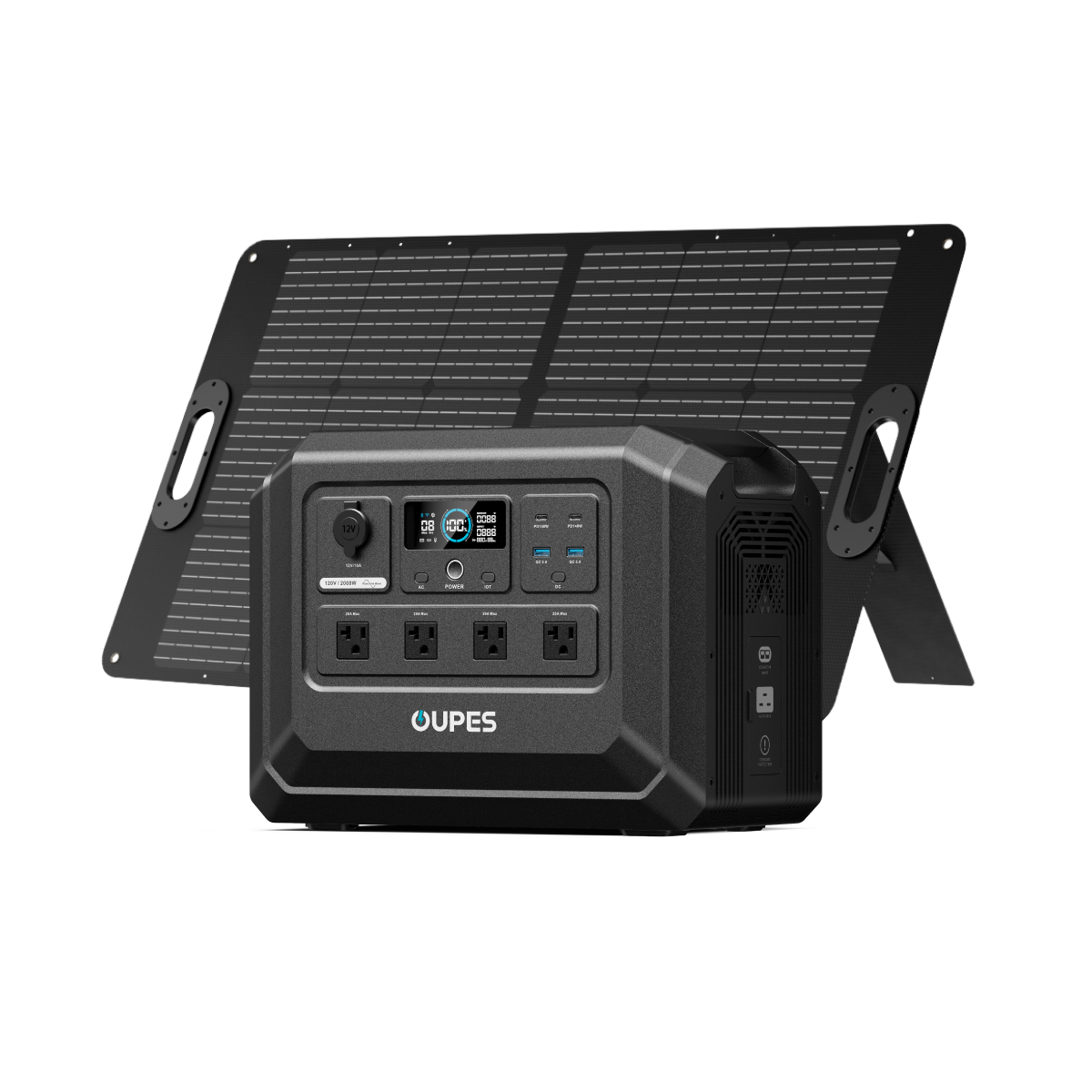
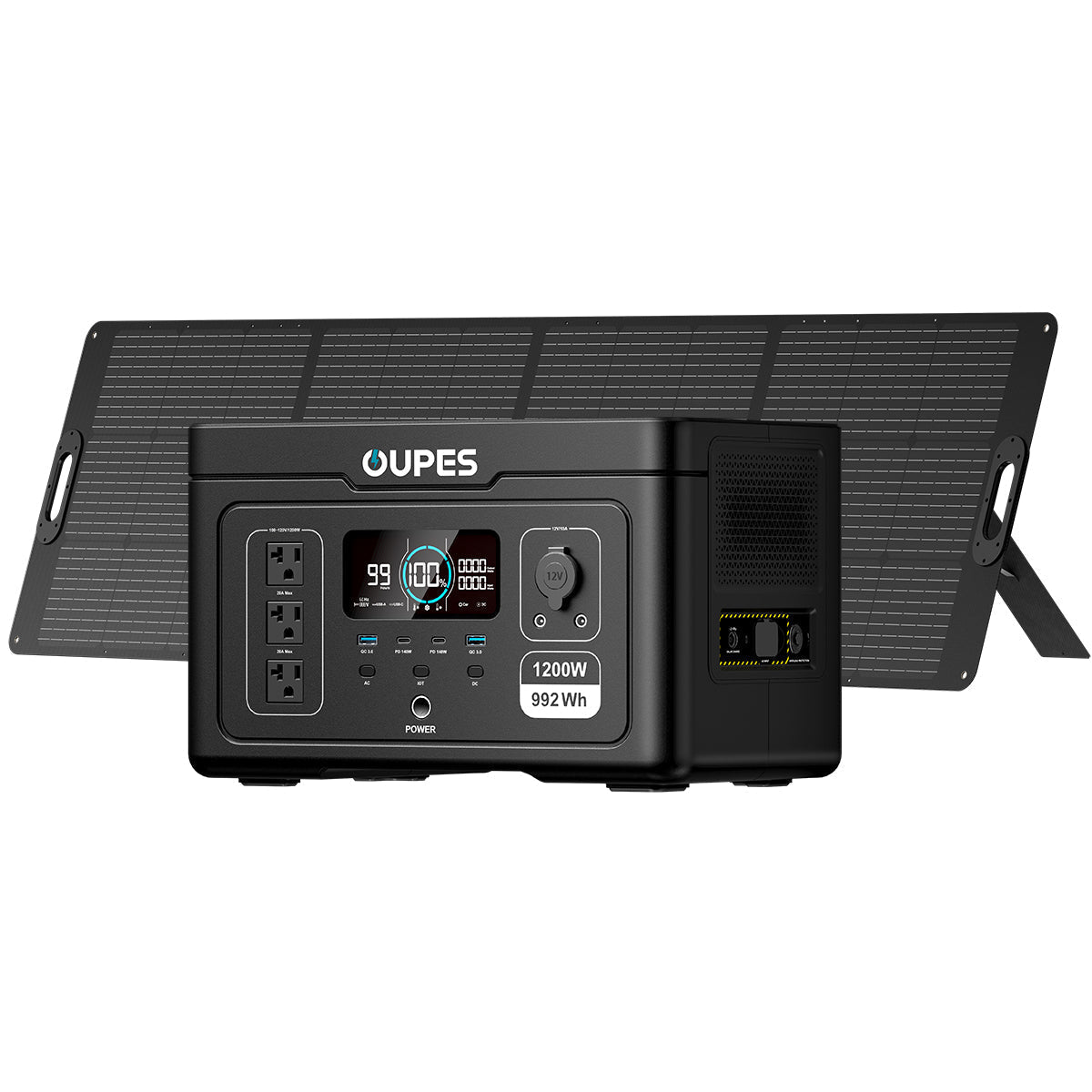
| OUPES Exodus 1200 | 992Wh | 1,200W / 3,600W surge | 240W | 3,500+ to 80% | Portable essentials and managed camping loads |
| OUPES Mega 1 | 1,024Wh; expandable to 5.12kWh | 2,000W / 4,500W surge | 800W | 3,500+ to 80% | High-power short loads; capacity remains about 1kWh before expansion |
| OUPES Exodus 2400 | 2,232Wh | 2,400W / 4,500W surge | 800W | 3,500+ to 80% | Longer runtime; shown sold out on the CA page at drafting |
| OUPES Mega 3 | 3,072Wh; expandable to 15.36kWh | 3,600W / 7,000W surge | 2,100W | 3,500+ to 80% | RV and broader home-essential plans; not a 5kW or 10kW source |
Exodus 1200 is the lighter 992Wh option. Mega 1 provides 2,000W output but still starts with only 1,024Wh, making it useful for short high-power loads rather than automatically long runtime. Exodus 2400 increases stored energy, while Mega 3 supports broader 3,600W plans and expansion. Review the Canadian portable power station collection once the required power and energy are known.
Solar and Recharging
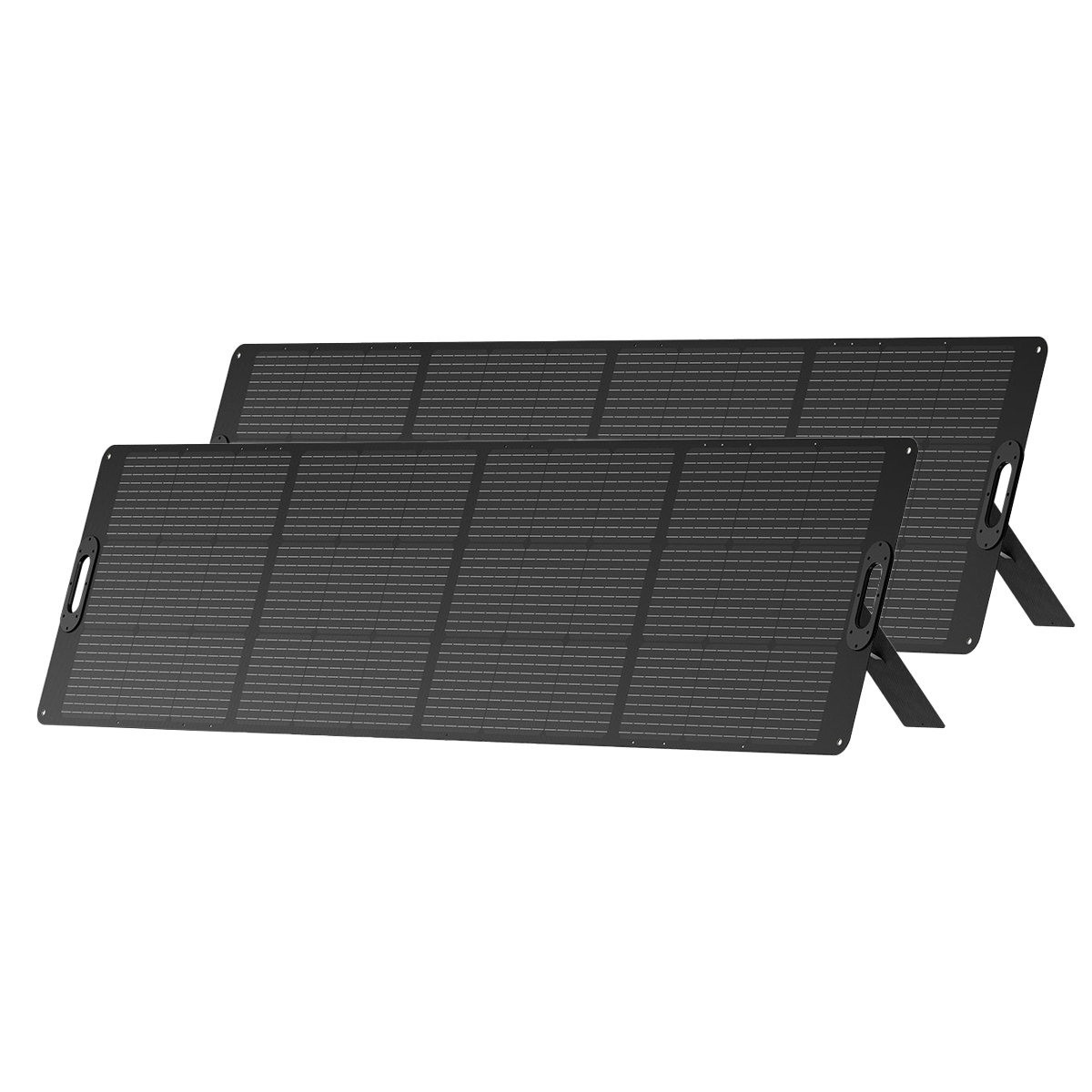
Solar panel nameplate watts are not guaranteed field output. Clouds, shade, snow, heat, low sun angle, cable loss and the charge controller's voltage/current limits reduce or cap energy. Always calculate the complete array's open-circuit voltage and short-circuit current before series or parallel wiring.
For battery-and-panel bundles, the Canadian solar generator collection provides a convenient starting point. Still compare the panel configuration with the station's entire MPPT window. A physically compatible connector does not prove electrical compatibility, and oversized solar cannot make a small battery support an incompatible appliance.
Safety and Limitations
Use certified, voltage-compatible chargers and cables. An incorrect connector fit does not prove safe electrical compatibility.
Keep battery equipment dry, ventilated and within its operating and storage temperature limits. Inspect cables and connectors before use. Stop if a battery is swollen, damaged, wet, unusually hot or producing an unusual smell or sound. Use approved chargers and never modify a lithium-ion battery pack.
Fuel generators are a separate safety category. They produce carbon monoxide and must never operate indoors, in a garage, shed, camper, tent or near building openings. A battery power station avoids combustion exhaust at the point of use, but it does not remove electrical, thermal or connection hazards.
Common Mistakes to Avoid
- Confusing watts, watt-hours, amps and amp-hours.
- Using a maximum charger rating as constant consumption.
- Ignoring motor startup, appliance cycling or 120/240V requirements.
- Assuming every outlet can deliver its printed maximum simultaneously.
- Publishing solar charging time from panel nameplate watts alone.
- Using an adapter because it fits without checking voltage, polarity and current.
- Backfeeding a building or RV electrical system through an improvised cord.
- Giving runtime without stating loss, duty-cycle and weather assumptions.
Final Verdict
Many laptops average roughly 20-100W in ordinary use, while gaming or workstation models can draw much more. The charger label is a maximum capability, not a constant load. Measure the laptop during your real workload and include monitors, docks and network equipment.
Measure first, calculate second and choose equipment last. Match continuous and surge power to the worst credible simultaneous load, match watt-hours to the required duration and match charging input to the energy that must be restored. Keep enough reserve that one poor-weather day or unexpected startup event does not collapse the plan.
Frequently Asked Questions
Does a 65W charger mean the laptop always uses 65W?
No. It is the adapter's maximum output; real draw changes with workload and battery charging.
How long can 1,024Wh run a laptop?
At 60W and an 85% factor, about 14.5 hours before other loads.
Is USB-C more efficient than AC charging?
Direct DC charging can avoid an inverter stage when the laptop and station support compatible USB-C PD.
How should I estimate runtime for how many watts does a laptop computer use?
Calculate watt-hours from average watts multiplied by operating hours, then divide rated battery energy by the same load after applying a realistic usable-system factor. Cycling, startup, temperature and battery condition can change the result.
Can solar charging change the sizing result?
Solar can restore energy, but it should be modelled with conservative local sun, shade, snow, panel orientation and the station's input limit. Critical plans need stored reserve or another compatible charging route.
Which OUPES model should I choose?
Choose only after measuring the load. Exodus 1200 emphasizes portability, Mega 1 adds output, Exodus 2400 adds stored energy, and Mega 3 adds output and expansion. None is automatically best for every scenario.
Sources

Leave a comment
This site is protected by hCaptcha and the hCaptcha Privacy Policy and Terms of Service apply.